Running a WordPress website involves more than publishing content and installing plugins. You also need to think about security, backups, software updates, website speed, uptime, caching, staging, and server performance.
That is where managed WordPress hosting can make a significant difference.
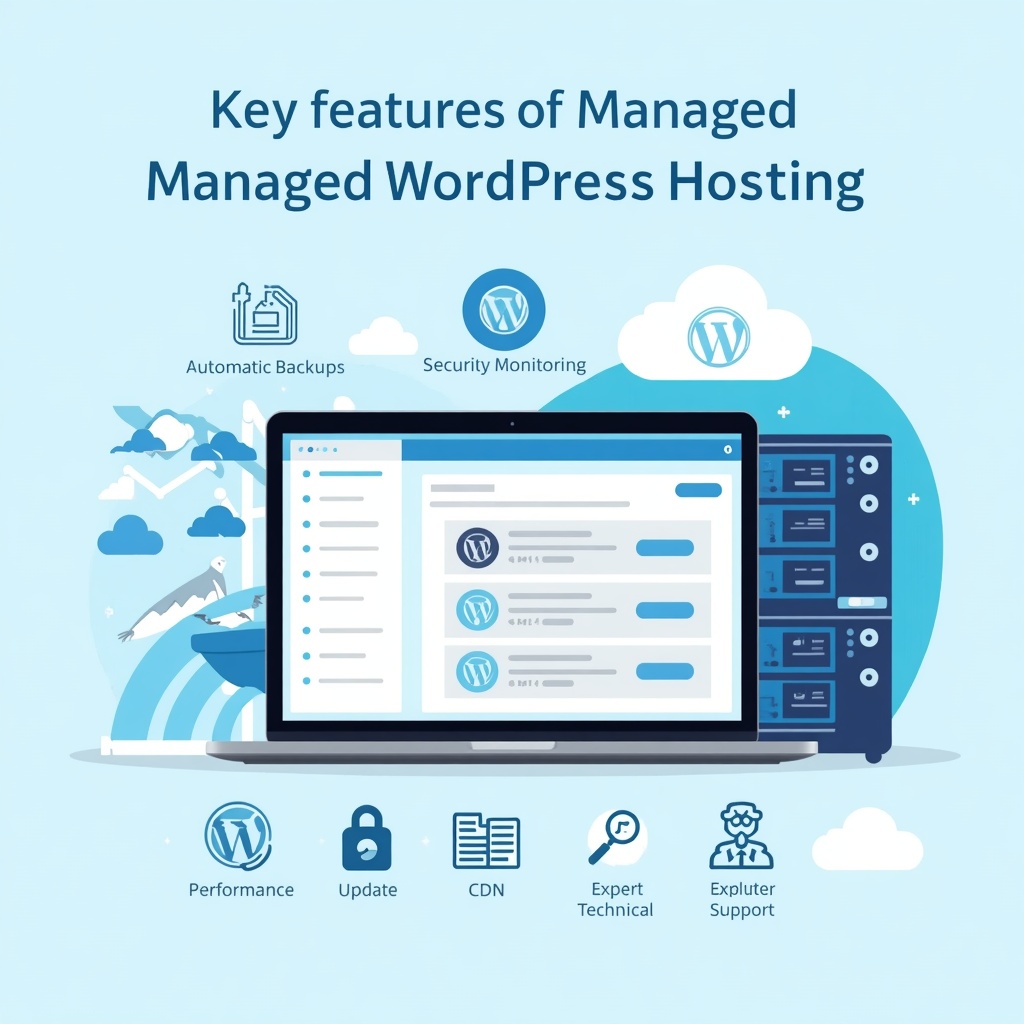
Instead of leaving you to handle every technical task yourself, a managed WordPress host takes care of much of the server-side maintenance. Depending on the provider and plan, this can include automatic WordPress updates, backups, security monitoring, performance optimization, staging environments, CDN integration, and WordPress-focused technical support.
WordPress itself recommends hosting that supports PHP 8.3 or newer, MariaDB 10.11+ or MySQL 8.0+, and HTTPS.
But not every managed WordPress hosting provider offers the same experience.
Some focus on premium performance and developer tools. Others emphasize affordability, beginner-friendly management, ecommerce support, or enterprise scalability.
In this guide, we’ll explain what managed WordPress hosting is, what features matter, how leading providers compare, common mistakes to avoid, and how to choose the right solution for your website.
What Is Managed WordPress Hosting?
Managed WordPress hosting is a hosting service specifically optimized for WordPress websites where the provider handles many routine technical and maintenance tasks.
With traditional hosting, you may be responsible for installing WordPress, configuring caching, managing backups, updating software, monitoring security, and troubleshooting server-related problems.
With managed hosting, many of these responsibilities are handled by the hosting company.
Typical managed WordPress hosting services can include:
- WordPress installation and migration
- Automatic WordPress updates
- Plugin and theme update tools
- Automatic backups
- Malware and security monitoring
- SSL/HTTPS support
- CDN integration
- Server-level caching
- Staging environments
- Performance monitoring
- WordPress-specific support
- Developer tools such as SSH, SFTP, WP-CLI, or Git
WordPress.org notes that WordPress-specific hosting may offer additional features such as backups, updates, and developer tools beyond the basic requirements needed to run WordPress.
The main idea is simple: you spend less time maintaining the infrastructure and more time running your website.
Why Choose Managed WordPress Hosting?
Managed hosting isn’t necessary for every website. A simple blog with very little traffic may work perfectly well on standard shared hosting.
However, managed hosting becomes more attractive when your website generates revenue, receives significant traffic, or requires reliable performance.
1. Less Technical Maintenance
Keeping WordPress, PHP, plugins, themes, and server software updated can become time-consuming.
Managed hosting reduces that workload by automating or simplifying many maintenance tasks.
2. Better WordPress Optimization
Managed WordPress platforms are generally configured specifically for WordPress rather than being designed equally for dozens of different applications.
That can include optimized PHP configurations, caching, CDN services, database optimization, and WordPress-specific performance tools.
3. Stronger Security Management
Security is a major reason businesses choose managed hosting.
Depending on the provider, security features may include:
- Web application firewalls
- DDoS protection
- Malware scanning
- Automated security updates
- SSL certificates
- Login protection
- Vulnerability monitoring
- Security-focused server configurations
For example, WP Engine lists managed WAF protection, DDoS protection, automated updates, and a global CDN among its platform features.
4. Automatic Backups
A reliable backup system is essential.
If a plugin update breaks your website or a configuration change causes problems, you want a recent backup available for restoration.
Kinsta, for example, states that its WordPress hosting includes daily automatic backups, while its platform also provides staging environments and site-management tools.
5. Easier Scaling
A growing website can eventually outgrow basic shared hosting.
Managed WordPress providers often provide plans designed for higher traffic, additional sites, larger resource requirements, or business and enterprise workloads.
Best Managed WordPress Hosting Options in 2026
There isn’t one managed WordPress host that is perfect for every website.
The right choice depends on your budget, traffic, technical requirements, number of websites, ecommerce needs, and desired level of support.
Here are several established options worth comparing.
1. Kinsta
Kinsta focuses heavily on managed WordPress performance, security, developer tools, and global infrastructure.
Its current WordPress hosting platform includes features such as CDN integration, edge caching, daily backups, staging environments, application performance monitoring, SFTP/SSH access, and site-management tools.
Kinsta also states that its infrastructure uses isolated software containers for individual sites and provides access to multiple global data centers.
Key Features
- Managed WordPress hosting
- Global CDN
- Edge caching
- Daily backups
- Staging environments
- SFTP and SSH
- Application Performance Monitoring
- Security monitoring
- Free migrations
- 24/7 support
Pros
- Strong performance-focused infrastructure
- Useful developer tools
- Staging environment
- Performance monitoring
- Security-focused architecture
Cons
- Can cost more than entry-level WordPress hosting
- Some advanced features are aimed at businesses and developers
Good fit for: Business websites, agencies, developers, ecommerce sites, and performance-focused WordPress projects.
2. WP Engine
WP Engine is another established managed WordPress platform with an emphasis on performance, security, support, and scalability.
Its current platform includes automated updates, global CDN infrastructure, managed WAF and DDoS protection, and centralized website management.
WP Engine also offers tools designed to simplify plugin updates and website management.
Key Features
- Managed WordPress environment
- Automated updates
- Global CDN
- Managed WAF
- DDoS protection
- Performance optimization
- Staging and development workflows
- WordPress-focused support
Pros
- Strong WordPress specialization
- Extensive performance features
- Enterprise-oriented infrastructure
- Security-focused platform
Cons
- Premium plans can be expensive
- Some advanced features may be unnecessary for small websites
Good fit for: Businesses, agencies, high-traffic websites, and organizations that need managed infrastructure.
3. SiteGround
SiteGround offers WordPress hosting designed for users who want managed features without moving into highly specialized enterprise hosting.
Its current WordPress offering includes free migrations, automated management features, CDN capabilities, daily backups on applicable plans, and 24/7 support.
Key Features
- Managed WordPress hosting
- Free website migration
- CDN
- Automated backups
- WordPress optimization
- 24/7 support
- Ecommerce support
- AI-powered WordPress management features
Pros
- Beginner-friendly
- WordPress-focused
- Useful performance features
- Migration assistance
- Support for ecommerce websites
Cons
- Renewal pricing can differ substantially from introductory pricing
- Resource limits vary by plan
Good fit for: Bloggers, small businesses, creators, and growing WordPress websites.
4. Hostinger
Hostinger positions its WordPress hosting around affordability, ease of use, performance, and managed features.
Its current WordPress plans include features such as automatic updates, backups, CDN, staging, LiteSpeed-based performance optimization, WP-CLI, SSH, Git integration, and 24/7 support, depending on the plan.
Hostinger also offers AI-powered WordPress management features on eligible plans.
Key Features
- Managed WordPress hosting
- Automatic updates
- Automated backups
- CDN
- Staging
- LiteSpeed infrastructure
- WP-CLI
- SSH and Git
- 24/7 support
- AI website management tools
Pros
- Competitive entry-level pricing
- Beginner-friendly tools
- Broad feature set
- Useful for small businesses and creators
Cons
- Features vary considerably between plans
- Introductory prices may differ from renewal prices
Good fit for: Beginners, bloggers, small businesses, creators, and budget-conscious website owners.
5. DreamHost DreamPress
DreamHost’s DreamPress is its managed WordPress hosting solution.
The current DreamPress offering includes 1-click staging, on-demand backups, CDN support, performance optimization, failover protection, and WordPress expert support.
Key Features
- Managed WordPress environment
- 1-click staging
- CDN
- Automated and on-demand backups
- WordPress optimization
- Free migration
- WordPress expert support
Pros
- WordPress-focused
- Useful staging functionality
- Backup options
- Straightforward management
Cons
- Higher-tier requirements may increase costs
- Some features depend on the selected plan
Good fit for: Small businesses, professional blogs, and WordPress users who want managed infrastructure without managing a server themselves.
Managed WordPress Hosting Comparison
| Provider | Best For | Backups | Staging | CDN | Security Features | Developer Tools |
|---|---|---|---|---|---|---|
| Kinsta | Performance-focused sites | Yes | Yes | Yes | WAF, DDoS protection | SSH, SFTP, APM |
| WP Engine | Businesses & scaling sites | Yes | Yes | Yes | WAF, DDoS protection | Advanced workflows |
| SiteGround | Small businesses & creators | Yes | Available | Yes | Security tools | Available |
| Hostinger | Budget-conscious users | Yes | Yes | Yes | WAF, DDoS protection | WP-CLI, SSH, Git |
| DreamPress | Managed WordPress users | Yes | Yes | Yes | Managed protection | Available |
Important: Features can vary by plan, region, and provider. Always check the current plan documentation before purchasing.
What to Look for in the Best Managed WordPress Hosting
Choosing a host based only on monthly price can lead to problems later.
Instead, evaluate the entire hosting environment.
1. Performance
Look for:
- Fast server infrastructure
- SSD or NVMe storage
- Full-page caching
- Object caching where appropriate
- CDN integration
- Modern PHP versions
- Efficient database configuration
Website speed depends on more than hosting alone, but your hosting environment provides the foundation.
2. Automatic Backups
Check:
- Backup frequency
- Backup retention
- Whether databases are included
- Whether backups can be downloaded
- How restoration works
- Whether on-demand backups are available
A backup that exists but is difficult to restore is less useful than a straightforward recovery system.
3. Security
At minimum, look for:
- HTTPS/SSL
- Firewall protection
- Malware monitoring
- DDoS mitigation
- Secure account access
- Regular software updates
WordPress recommends keeping software current, and its documentation specifically advises maintaining regular automatic backups when using automatic plugin and theme updates.
4. Staging Environment
A staging site allows you to test:
- Plugin updates
- Theme changes
- Design modifications
- New functionality
- Code changes
before applying them to your live website.
This is particularly valuable for ecommerce websites and businesses where downtime can directly affect revenue.
5. Support Quality
Look beyond “24/7 support.”
Ask:
- Is support handled by WordPress specialists?
- Can they troubleshoot server-level problems?
- Is live chat available?
- Can they help with migrations?
- Are support limits clearly explained?
Technical expertise matters when something goes wrong.
Managed WordPress Hosting vs Shared Hosting
The biggest difference is the amount of technical responsibility you retain.
| Feature | Shared Hosting | Managed WordPress Hosting |
|---|---|---|
| WordPress optimization | Basic | Usually specialized |
| Automatic backups | Often available | Common |
| WordPress updates | Often manual/optional | Frequently automated |
| Security management | Mostly user-managed | More provider-managed |
| Staging | Plan-dependent | Common on higher plans |
| WordPress support | Varies | Usually specialized |
| Server optimization | Limited | More extensive |
| Technical responsibility | Higher | Lower |
| Typical cost | Lower | Higher |
Shared hosting can be perfectly suitable for smaller websites.
Managed hosting becomes more valuable when time, reliability, performance, and maintenance matter more than minimizing the hosting bill.
Who Should Use Managed WordPress Hosting?
Managed WordPress hosting can be particularly useful for:
Business Websites
A company website needs consistent availability, security, backups, and professional support.
Ecommerce Stores
WooCommerce websites often have more demanding performance and reliability requirements than basic blogs.
Agencies
Agencies managing multiple client websites can benefit from staging, centralized tools, monitoring, migrations, and access controls.
High-Traffic Blogs
Popular publishers need infrastructure capable of handling traffic spikes without excessive manual server management.
Non-Technical Website Owners
If you don’t want to spend time troubleshooting PHP errors, server settings, caching, or backups, managed hosting can simplify ownership.
Who May Not Need Managed WordPress Hosting?
Managed hosting isn’t automatically necessary.
You may prefer standard hosting if:
- Your website is very small.
- Your budget is extremely limited.
- You are comfortable managing WordPress yourself.
- You already have reliable backup and security systems.
- You need server-level flexibility.
- You enjoy managing your own infrastructure.
Developers with specific server requirements may also prefer VPS or cloud hosting where they control more of the environment.
Best Practices for Managed WordPress Hosting
Even when your host manages much of the technical work, you still have responsibilities.
Follow these practices:
- Keep WordPress and plugins updated.
- Use strong administrator passwords.
- Enable two-factor authentication where available.
- Install plugins only from trustworthy sources.
- Remove unused plugins and themes.
- Test major changes on staging first.
- Monitor website uptime and performance.
- Maintain independent backups for important websites.
- Review hosting resource usage regularly.
- Choose a plan based on actual traffic and workload rather than marketing claims.
Common Managed WordPress Hosting Mistakes
Choosing Only by Price
A cheap plan may have limited CPU resources, storage, visitors, or support.
Always compare the complete feature set.
Ignoring Renewal Pricing
Introductory hosting prices can be substantially lower than renewal rates.
Calculate your expected cost beyond the first promotional period.
Assuming “Managed” Means Everything Is Managed
Managed hosting doesn’t mean you can ignore your website.
You may still need to manage:
- Content
- Plugins
- Themes
- User accounts
- SEO
- Website design
- Third-party integrations
Read exactly what the provider manages.
Installing Too Many Plugins
More plugins can create compatibility and performance problems.
Use only plugins that provide real value and keep them updated.
Skipping Staging
Making significant changes directly on a production website increases the risk of downtime or broken functionality.
Use staging whenever the host provides it.
Expert Tips for Choosing a Managed WordPress Host
Tip 1: Match Hosting to Your Website
A personal blog doesn’t need the same infrastructure as a busy WooCommerce store.
Tip 2: Look at Resource Limits
Don’t focus only on storage.
Check:
- CPU resources
- PHP workers
- RAM or equivalent resource limits
- Monthly visits
- Database limits
- Concurrent connections
- Number of websites
Tip 3: Check Data Center Locations
If most of your visitors are in one geographic region, hosting and CDN infrastructure close to that audience can help reduce latency.
Tip 4: Test the Support Before You Buy
Ask a technical question before purchasing.
The quality and usefulness of the response can tell you more than a generic “24/7 support” badge.
Tip 5: Review Migration Policies
If you already have a website, free or assisted migration can save significant time.
Tip 6: Don’t Confuse Hosting With SEO
Fast hosting can contribute to a better user experience and technical foundation, but hosting alone won’t make a website rank.
Content quality, search intent, internal linking, technical SEO, backlinks, and overall site quality still matter.
Internal Linking Opportunities
If you’re building a comprehensive WordPress or hosting content cluster, consider linking this article to related topics such as:
- Best WordPress Hosting in 2026
- Best Affordable Web Hosting Services
- Best Free Web Hosting Services
- Best WordPress Hosting for Small Businesses
- Best WooCommerce Hosting
- Best Hosting for Bloggers
- How to Speed Up a WordPress Website
- WordPress Security Best Practices
- Best WordPress Backup Plugins
- How to Choose Web Hosting
These links can create a stronger topical relationship between hosting-related articles.
Authoritative External References
For technical requirements, use the official WordPress.org documentation. WordPress currently recommends PHP 8.3+, MariaDB 10.11+ or MySQL 8.0+, and HTTPS for modern WordPress installations.
You can also reference official documentation from your chosen hosting provider when discussing its specific features, limitations, backup policies, or infrastructure.
Frequently Asked Questions
What is the best managed WordPress hosting?
The right managed WordPress host depends on your website’s requirements. Kinsta and WP Engine emphasize premium managed infrastructure and performance, while SiteGround, Hostinger, and DreamPress offer different combinations of affordability, management features, support, and performance. Compare features, resource limits, support, and renewal costs rather than choosing solely by brand name.
Is managed WordPress hosting worth it?
Managed WordPress hosting can be worthwhile if you value automated maintenance, backups, security, performance optimization, staging, and specialized support. For very small websites with minimal technical requirements, standard hosting may be sufficient.
Is managed WordPress hosting faster?
It can be. Managed WordPress platforms often use WordPress-optimized server configurations, caching, CDN services, and performance tools. However, actual speed also depends on your theme, plugins, images, database, code, and website configuration.
Is managed WordPress hosting more secure?
Managed hosting can provide additional security controls such as firewalls, malware monitoring, DDoS protection, automated updates, and managed server configurations. However, website owners should still use strong passwords, trusted plugins, secure accounts, and appropriate backups.
Can I migrate my existing WordPress website to managed hosting?
Yes. Most major managed WordPress providers offer migration tools or migration assistance. Before migrating, create a backup and confirm that your domain, email, DNS, SSL, redirects, and website functionality will continue working after the move.
Does managed WordPress hosting include backups?
Many managed WordPress plans include automatic backups, but the frequency and retention period vary. Some providers also offer on-demand backups. Always check the specific plan rather than assuming every package includes identical backup protection.
Is managed WordPress hosting good for WooCommerce?
Yes, managed hosting can be particularly useful for WooCommerce because online stores need reliable performance, security, backups, and scalability. Choose a plan with enough resources for your product catalog, traffic, payment integrations, and peak shopping periods.
Can I use plugins with managed WordPress hosting?
Yes, you can generally use WordPress plugins. However, some managed hosts restrict certain plugins because they duplicate built-in caching, backup, security, or performance functionality. Check the provider’s plugin policy before migrating.
Do I still need a WordPress security plugin?
Not necessarily. Some managed hosts provide server-level firewalls, malware monitoring, DDoS protection, and other security services. Installing additional security plugins without understanding what your host already provides can sometimes create unnecessary complexity.
Is managed hosting suitable for beginners?
Yes. One of its biggest advantages is reducing the amount of technical maintenance required from the website owner. Beginner users can focus more on publishing content and managing their business instead of configuring servers.