
Turning a long recording into a clean, readable document can take hours when done manually. Whether you are transcribing interviews, meetings, podcasts, lectures, webinars, or videos, typing every word yourself is slow and repetitive.
AI transcription tools solve this problem by automatically converting spoken language into written text. Modern transcription software can recognize different speakers, add timestamps, handle multiple languages, and produce searchable transcripts within minutes.
But not every transcription tool works equally well. Accuracy can vary depending on accents, background noise, audio quality, technical vocabulary, and the number of speakers.
In this guide, you will learn how AI transcription works, what features to look for, the best use cases, how to choose the right tool, common mistakes to avoid, and practical ways to get better transcription results.
What Are AI Transcription Tools?
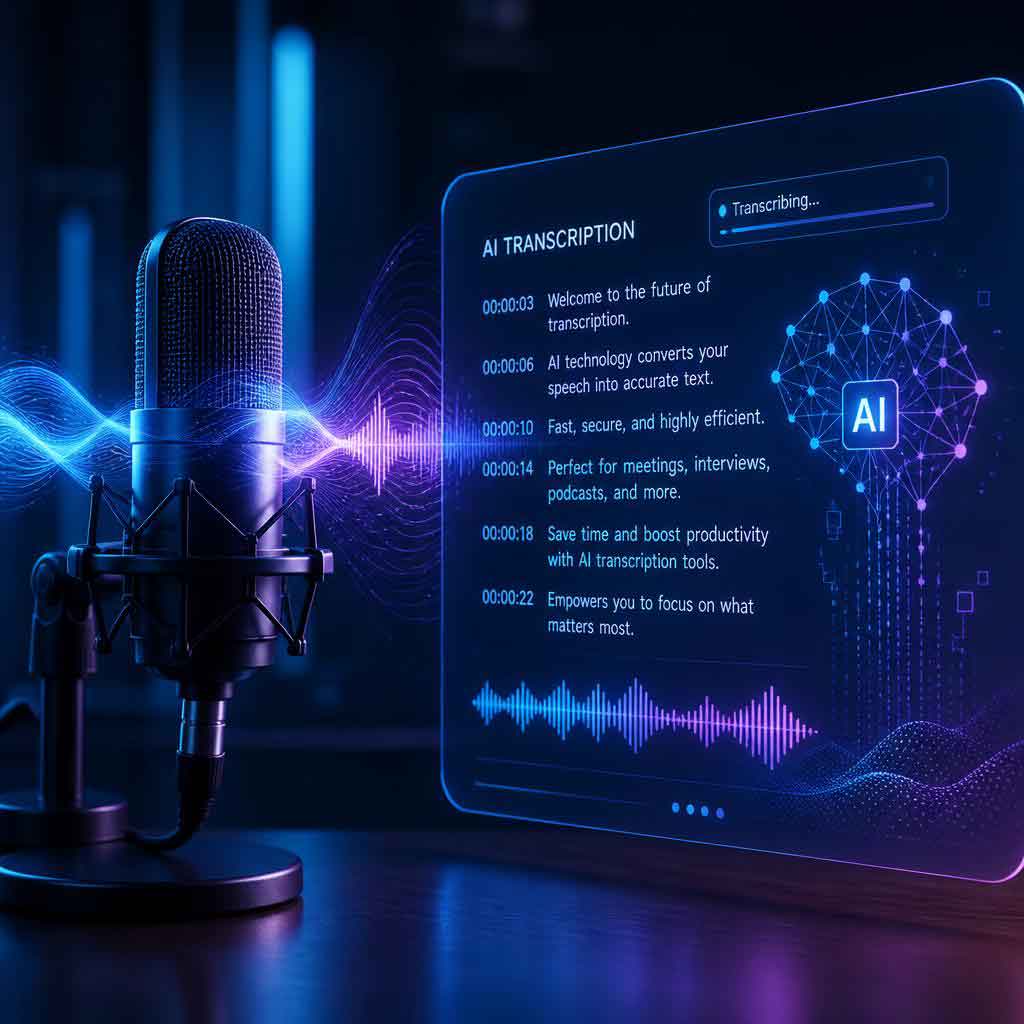
AI transcription tools are software applications that use artificial intelligence and speech-recognition technology to convert spoken audio into written text.
Instead of manually listening to a recording and typing everything, you upload an audio or video file—or record directly inside the application—and the software processes the speech automatically.
A typical transcription workflow looks like this:
- Upload or record audio/video.
- The system processes the speech.
- Speech-recognition technology identifies spoken words.
- The tool generates a text transcript.
- You review and edit the transcript.
- The final transcript can be exported or shared.
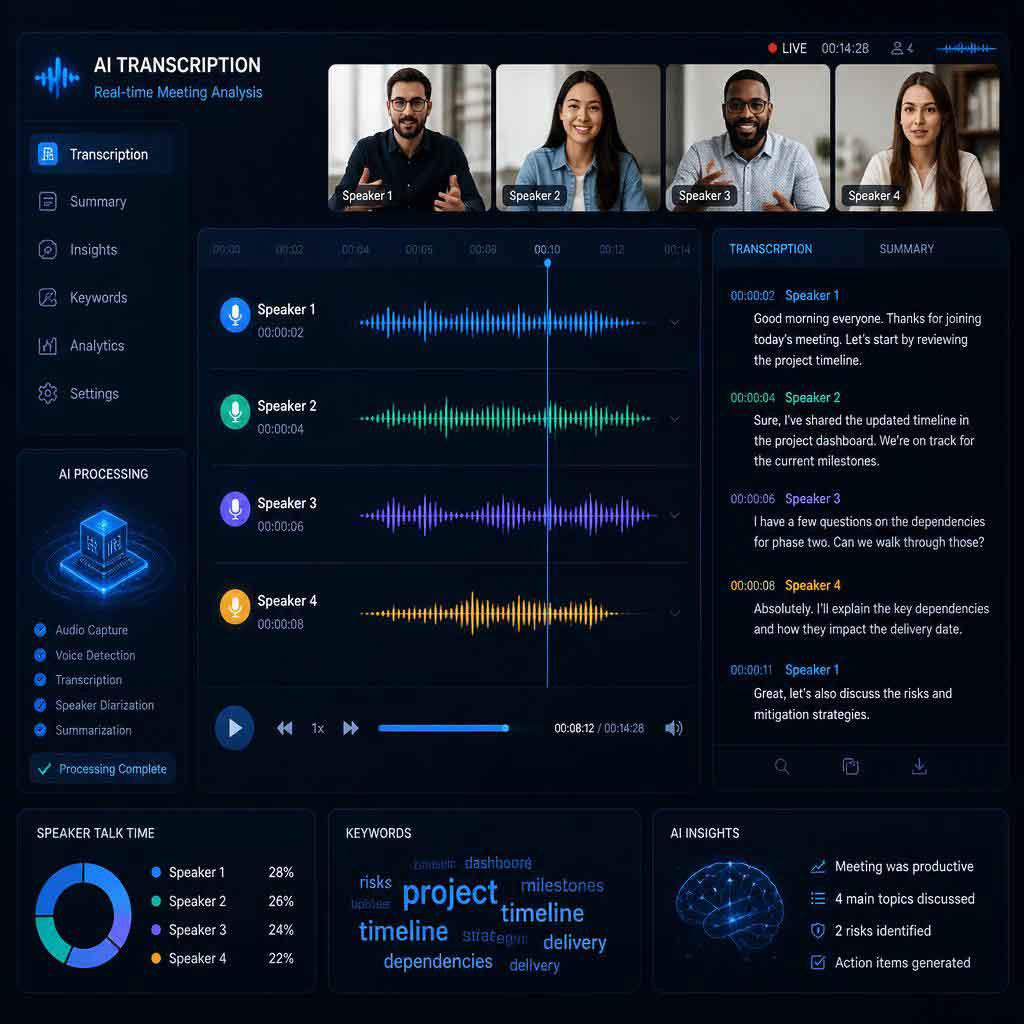
Some advanced platforms can also identify different speakers, recognize punctuation, create timestamps, summarize conversations, and translate transcripts.
How Do AI Transcription Tools Work?
Although the technology behind transcription is complex, the basic process is straightforward.
1. Audio Processing
The software first analyzes the uploaded recording. It may reduce background noise and separate speech from other sounds.
2. Speech Recognition
A speech-recognition model analyzes the spoken audio and identifies words, phrases, and sentences.
3. Language Processing
The system uses language-processing techniques to determine punctuation, sentence boundaries, capitalization, and context.
4. Speaker Identification
Some tools can detect when different people are speaking. This feature is particularly useful for interviews, meetings, podcasts, and group discussions.
5. Transcript Generation
The final result is presented as editable text. Depending on the platform, users may also receive timestamps, speaker labels, summaries, or other structured information.
Why Use AI Transcription Tools?
The biggest advantage is time savings.
Manually transcribing a recording can take several times longer than the actual recording. Automated transcription can dramatically reduce that workload.
Major Benefits
- Save time: Convert long recordings into text much faster.
- Improve productivity: Spend less time typing and more time analyzing.
- Create searchable content: Search transcripts for specific words or topics.
- Improve accessibility: Provide written versions of spoken content.
- Repurpose content: Turn interviews, podcasts, and videos into articles or social posts.
- Support research: Quickly review interviews and recorded discussions.
- Improve documentation: Keep written records of meetings and presentations.
- Handle large volumes: Process multiple recordings more efficiently.
For professionals who regularly work with recorded conversations, transcription can become an important part of their workflow.
Common Uses of AI Transcription Tools
AI transcription has applications across many industries.
Students and Educators
Students can use transcription software to turn recorded lectures into searchable notes. Teachers can create text versions of lessons and educational videos.
Instead of replaying a 60-minute lecture several times, a student can search the transcript for a particular topic or phrase.
Journalists and Researchers
Journalists frequently record interviews and need accurate transcripts. Researchers can also use transcripts when analyzing interviews, focus groups, or qualitative research.
Example: A journalist records a 45-minute interview and uses a transcription tool to create a preliminary transcript before reviewing important quotes.
Podcasters
Podcast creators can transform spoken episodes into written content.
A single podcast episode can potentially become:
- A full transcript
- A blog post
- Social media posts
- Short video captions
- Newsletter content
- Quote graphics
This makes transcription useful for content repurposing.
Businesses and Teams
Businesses can transcribe meetings, brainstorming sessions, customer interviews, and presentations.
Searchable meeting transcripts can make it easier to find decisions, action items, and important comments later.
Content Creators
YouTubers and video creators can use transcription for subtitles, captions, content editing, and repurposing.
Key Features to Look for in AI Transcription Tools
Choosing a transcription platform should depend on your actual workflow rather than the number of features listed on its homepage.
Transcription Accuracy
Accuracy is one of the most important factors.
A good tool should perform well with:
- Different accents
- Natural conversations
- Multiple speakers
- Technical terminology
- Different recording environments
However, no automated transcription system should be assumed to be perfectly accurate.
Always review important transcripts, especially when they contain legal, medical, financial, or other sensitive information.
Speaker Identification
Speaker labels can make a major difference when several people are talking.
For example:
Speaker 1: What is the expected launch date?
Speaker 2: We are currently targeting September.
This is much easier to understand than a single block of text.
Timestamp Support
Timestamps allow you to quickly jump from a sentence in the transcript back to the corresponding moment in the recording.
This is especially useful for interviews, podcasts, and video editing.
Multiple Language Support
If you work with international audiences, look for tools that support the languages you actually need.
Language support can vary significantly between platforms, so check whether your specific language and dialect are supported.
Export Options
Useful export formats may include:
- TXT
- DOCX
- SRT
- VTT
- CSV
Subtitle formats such as SRT and VTT are particularly useful for video creators.
Search and Editing
An integrated transcript editor can save time by allowing you to search, correct, highlight, and organize text without moving between different applications.
AI Transcription Tools Comparison
| Feature | Basic Transcription Tool | Advanced AI Transcription Tool |
|---|---|---|
| Speech-to-text | Usually | Yes |
| Speaker identification | Sometimes | Often |
| Timestamps | Sometimes | Usually |
| Multiple languages | Limited | Often extensive |
| Transcript editing | Basic | Advanced |
| Summaries | Rare | Often available |
| Subtitle export | Sometimes | Common |
| Collaboration | Limited | Often available |
| Best for | Simple recordings | Professional workflows |
The right choice depends on whether you need occasional transcription or a complete workflow for professional content production.
How to Choose the Best AI Transcription Tool
There is no single best transcription platform for everyone.
Step 1: Define Your Use Case
First, determine what you are transcribing.
Are you working with:
- Meetings?
- Interviews?
- Podcasts?
- Lectures?
- YouTube videos?
- Research recordings?
- Customer conversations?
Your answer will determine which features matter most.
Step 2: Consider Audio Quality
Good audio generally produces better transcription results.
If your recordings contain heavy background noise, overlapping speech, or distant speakers, accuracy may decrease.
Step 3: Check Language Support
Do not choose a tool simply because it supports “many languages.” Verify that it supports the exact languages and dialects you need.
Step 4: Compare Pricing
Consider how much audio you transcribe each month.
An inexpensive tool may be sufficient for occasional users, while frequent users may benefit from a plan designed for larger volumes.
Step 5: Review Privacy and Security
This is particularly important when recordings contain confidential business information, personal conversations, interviews, or customer data.
Before uploading sensitive recordings, review the provider’s privacy policy, data-retention practices, security controls, and terms of service.
Step 6: Test Before Committing
If a platform provides a free trial or sample transcription, test it with your real-world audio.
A tool that performs well on a clean demonstration recording may perform differently with your own recordings.
How to Get More Accurate Transcriptions
The quality of the recording can have a significant impact on the final transcript.
Use a Good Microphone
A clear microphone signal makes speech easier for transcription software to understand.
Reduce Background Noise
Avoid recording near loud fans, traffic, televisions, or other distracting sounds whenever possible.
Avoid Speaking Over Others
Overlapping conversations are difficult for both humans and automated systems to separate.
Identify Technical Terms
If your discussion contains industry-specific terminology, review those sections carefully after transcription.
Proofread the Final Transcript
Treat AI-generated transcription as a first draft, not automatically as a perfect final document.
For important content, compare the transcript against the original recording.
Common Mistakes When Using AI Transcription Tools
Mistake 1: Expecting 100% Accuracy
Even excellent transcription systems can make mistakes.
Names, acronyms, uncommon words, accents, and noisy audio can cause errors.
Mistake 2: Ignoring Speaker Labels
For group conversations, incorrect speaker identification can make a transcript confusing.
Always check important speaker-attributed statements.
Mistake 3: Uploading Poor-Quality Audio
A transcription tool cannot reliably recover speech that is barely audible or heavily distorted.
Mistake 4: Skipping the Review Process
A transcript may look polished while still containing subtle errors.
For important material, proofreading is essential.
Mistake 5: Ignoring Privacy
Do not automatically upload confidential recordings without understanding how the service handles uploaded data.
Pros and Cons of AI Transcription Tools
Pros
- Fast conversion from speech to text
- Significant time savings
- Useful for large recordings
- Searchable transcripts
- Helpful for content repurposing
- Speaker identification on many platforms
- Timestamp and subtitle support
- Improved accessibility
Cons
- Accuracy is not guaranteed
- Background noise can reduce quality
- Accents may affect recognition
- Multiple speakers can be challenging
- Some advanced features require paid plans
- Privacy considerations may apply
The best approach is to use automation for speed while maintaining human review for accuracy.
Best Practices for Using AI Transcription Tools
For consistent results, follow these practices:
- Record clear audio whenever possible.
- Use a suitable microphone.
- Minimize background noise.
- Avoid multiple people speaking simultaneously.
- Select the correct language before transcription.
- Review names and technical terms carefully.
- Check speaker labels.
- Use timestamps when editing audio or video.
- Export the transcript in the format you actually need.
- Review privacy and data policies before uploading sensitive content.
Expert Tips for Getting More Value From Transcription
Transcription does not have to be the final product.
Turn Interviews Into Content
A recorded interview can become a transcript, article, newsletter, or collection of social media posts.
Use Transcripts as a Research Database
Keep transcripts organized and searchable. This allows you to locate specific discussions without listening to entire recordings again.
Combine Transcription With Human Editing
Automation provides speed, while human editing provides context and quality control.
This combination is often more effective than relying entirely on either manual transcription or automated output.
Create Captions From Transcripts
For video creators, accurate transcripts can provide a foundation for captions and subtitles.
Always check timing and wording before publishing.
People Also Ask
Are AI transcription tools accurate?
Many modern tools can produce highly useful transcripts, particularly when the recording is clear. However, accuracy varies based on audio quality, accents, terminology, background noise, and overlapping speakers. Important transcripts should always be reviewed.
Can AI transcription tools transcribe video?
Yes. Many transcription platforms can extract speech from video files and convert it into text. Some also provide subtitle formats such as SRT or VTT.
Can AI transcription tools identify different speakers?
Many advanced platforms offer speaker identification or diarization. Performance can vary depending on the number of speakers and how much they talk over one another.
Are AI transcription tools free?
Some services offer free plans, trials, or limited transcription minutes. Paid plans typically provide higher usage limits and additional features.
Can AI transcription tools transcribe multiple languages?
Many platforms support multiple languages, but coverage varies. Check the provider’s current language list before choosing a service.
Can transcription tools create subtitles?
Yes. Many tools can create subtitle files or caption-ready transcripts. SRT and VTT are common formats for video workflows.
Is AI transcription safe for confidential recordings?
It depends on the specific provider and its data practices. Before uploading sensitive recordings, review the service’s privacy policy, security measures, retention practices, and terms.
Can students use AI transcription tools for lectures?
Yes. Students can use transcription software to create searchable text from recorded lectures, making it easier to review lessons and find specific information.
Internal Linking Opportunities
If this article is part of a broader technology or productivity website, consider linking it to related content such as:
- AI tools for bloggers
- AI tools for digital marketing
- AI tools for social media
- AI tools for content creation
- Best AI productivity tools
- AI tools for video editing
- AI tools for students
- AI tools for meeting notes
- Speech-to-text software
- AI content creation tools
These internal links can help readers discover related resources while strengthening the site’s overall topical structure.
Authoritative External Reference Opportunities
For readers who want to explore the underlying technology, consider linking to authoritative resources covering:
- Speech recognition
- Natural language processing
- Accessibility and captions
- Data privacy
- Audio and video standards
- Machine learning and speech technologies
When adding external references, prioritize documentation from recognized technology organizations, accessibility authorities, academic institutions, and established standards organizations.

